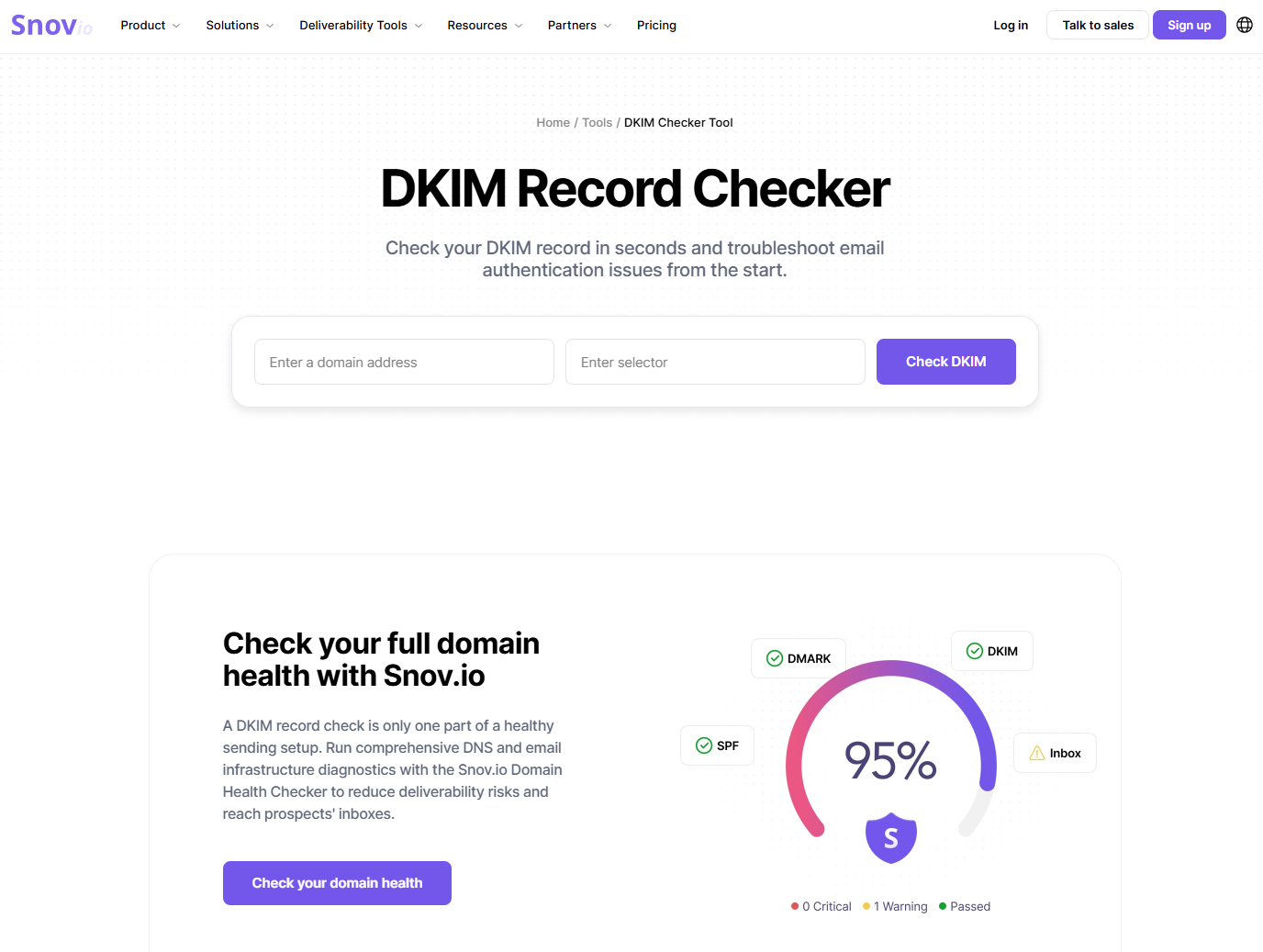
The new online tool helps domain owners verify DKIM records, review configuration details, and identify potential problems affecting email reliability.
Snov.io has announced the launch of its free online DKIM Checker, a diagnostic tool designed to help businesses verify the DKIM record associated with their domain, review its configuration, and identify potential email authentication issues. By entering a domain name and the relevant DKIM selector, users can locate the corresponding record, examine its key elements, and understand whether the setup is available and configured correctly.
The launch reflects Snov.io’s broader effort to help organizations build more reliable email infrastructure and investigate technical conditions that may affect authentication and deliverability. Email remains central to sales outreach, business development, marketing campaigns, customer communication, and transactional messaging. For companies that depend on outbound communication, errors in domain authentication can create operational problems that are difficult for non-technical teams to recognize or diagnose.
DKIM, or DomainKeys Identified Mail, helps receiving mail servers verify that a message was authorized by the domain associated with it and that the email content was not altered in transit. It uses a cryptographic signature added to outgoing messages and a corresponding public key published in the domain’s DNS records. The receiving server can use that public key to check the signature.
A missing or incorrectly configured DKIM record may contribute to authentication failures, spam placement, message rejection, reduced trust in the sending domain, sender reputation problems, and inconsistent campaign performance. However, DKIM does not guarantee inbox placement. It is one component of a broader setup that includes domain health, sending practices, list quality, and ongoing deliverability management.
How the Snov.io DKIM Checker Works
The checking process is straightforward. A user enters the domain to be reviewed and provides the DKIM selector used by the relevant email service or sending system. The checker then searches DNS for the corresponding DKIM record and analyzes the information it retrieves.
The results help users determine whether a DKIM record exists, whether the entered selector points to the expected record, and whether important record data can be retrieved correctly. The checker also reviews relevant syntax and configuration conditions, making it easier to spot problems that might otherwise remain hidden in an unformatted DNS response.
The tool parses the DKIM record and displays relevant tags and diagnostic information in an accessible format. Users can review key fields without manually separating and interpreting a long DNS TXT record. Depending on the result, the check may help reveal missing records, incorrect selectors, DNS propagation delays, syntax errors, incomplete or incorrectly configured tags, weak or problematic key configurations, and other authentication issues that may affect email performance.
For sales teams, marketers, agencies, SaaS companies, IT administrators, domain owners, and small and midsize businesses, this clearer presentation can support faster troubleshooting. It may also improve coordination between technical and non-technical stakeholders by giving them a shared view of the record and the area requiring attention.
Practical Value for Email-Dependent Businesses
Organizations running cold email campaigns or other outbound communication often use several domains, mailboxes, and sending services. In these environments, even a small DNS configuration error can be difficult to trace. A selector may be incorrect, a newly published record may still be propagating, or a tag may contain a syntax problem.
Checking DKIM before or during a campaign can help teams identify these problems earlier, reduce the risk of undetected DNS errors, and maintain a stronger technical foundation for email operations. It can also support efforts to protect sending-domain reputation and make deliverability investigations more structured.
The checker does not replace an email administrator or guarantee that messages will reach the inbox. Instead, it provides a focused diagnostic step that can help users confirm whether DKIM is present and review whether the record appears correctly configured. This makes it relevant for routine checks and for troubleshooting after authentication warnings, delivery failures, or unexpected campaign changes.
DKIM Within a Broader Authentication Setup
DKIM works alongside SPF and DMARC as part of a domain’s email authentication framework. SPF helps receiving systems verify whether a sending server is authorized to send email on behalf of a domain. DKIM uses a cryptographic signature to help confirm that a message was authorized and was not changed during delivery. DMARC builds on SPF and DKIM by allowing domain owners to publish authentication policies and receive reports about how messages using their domain are handled.
Together, these mechanisms help receiving servers evaluate messages and help domain owners detect misuse or configuration gaps. A DKIM check is therefore useful as a targeted diagnostic action, but it should be considered alongside SPF, DMARC, DNS configuration, sender reputation, and responsible sending practices.
Snov.io Product Context
The DKIM Checker complements Snov.io’s broader collection of tools related to lead generation, email outreach, email verification, domain health, email warm-up, and deliverability management. Snov.io is a lead generation and multichannel outreach automation platform that helps businesses find prospects, verify contact information, manage outreach campaigns, and support more reliable email operations.
By adding a free DKIM diagnostic tool, Snov.io is extending access to a practical check that can be used independently by domain owners or as part of a wider review of sending infrastructure. The launch is intended to help organizations identify technical problems more clearly and make informed decisions about the next steps in their email setup.